This page provides instructions on setting up the Test Harness and getting Access Credentials from it.
In case you do not have access to Aliro Certification Tool repository, see the Test harness hardware section for further guidance.
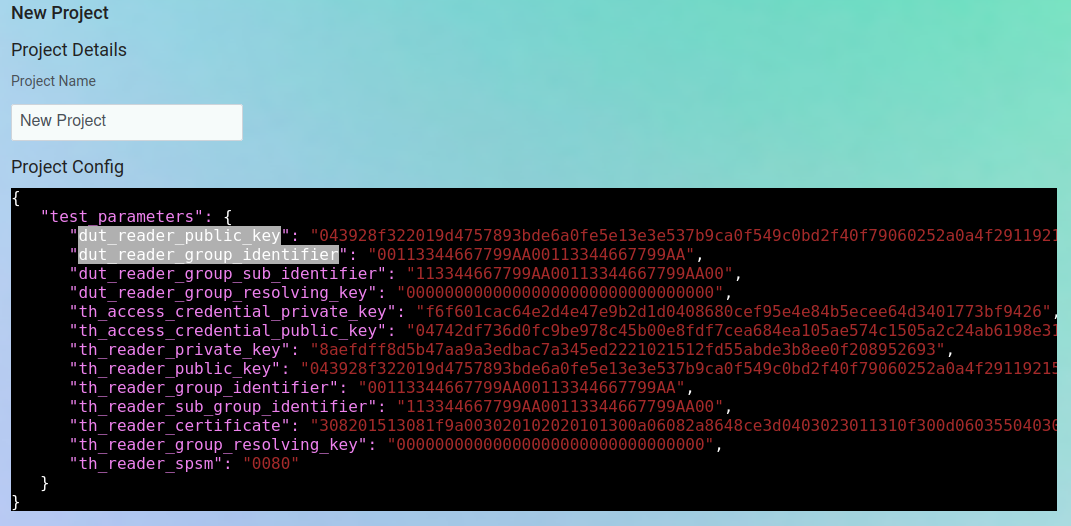
Open your Test Harness project’s JSON configuration and locate the dut_reader_public_key, th_access_credential_public_key, dut_reader_group_identifier, and dut_reader_group_sub_identifier fields.